How I configure Opus 4.8 in Claude Code (and the skills I use)
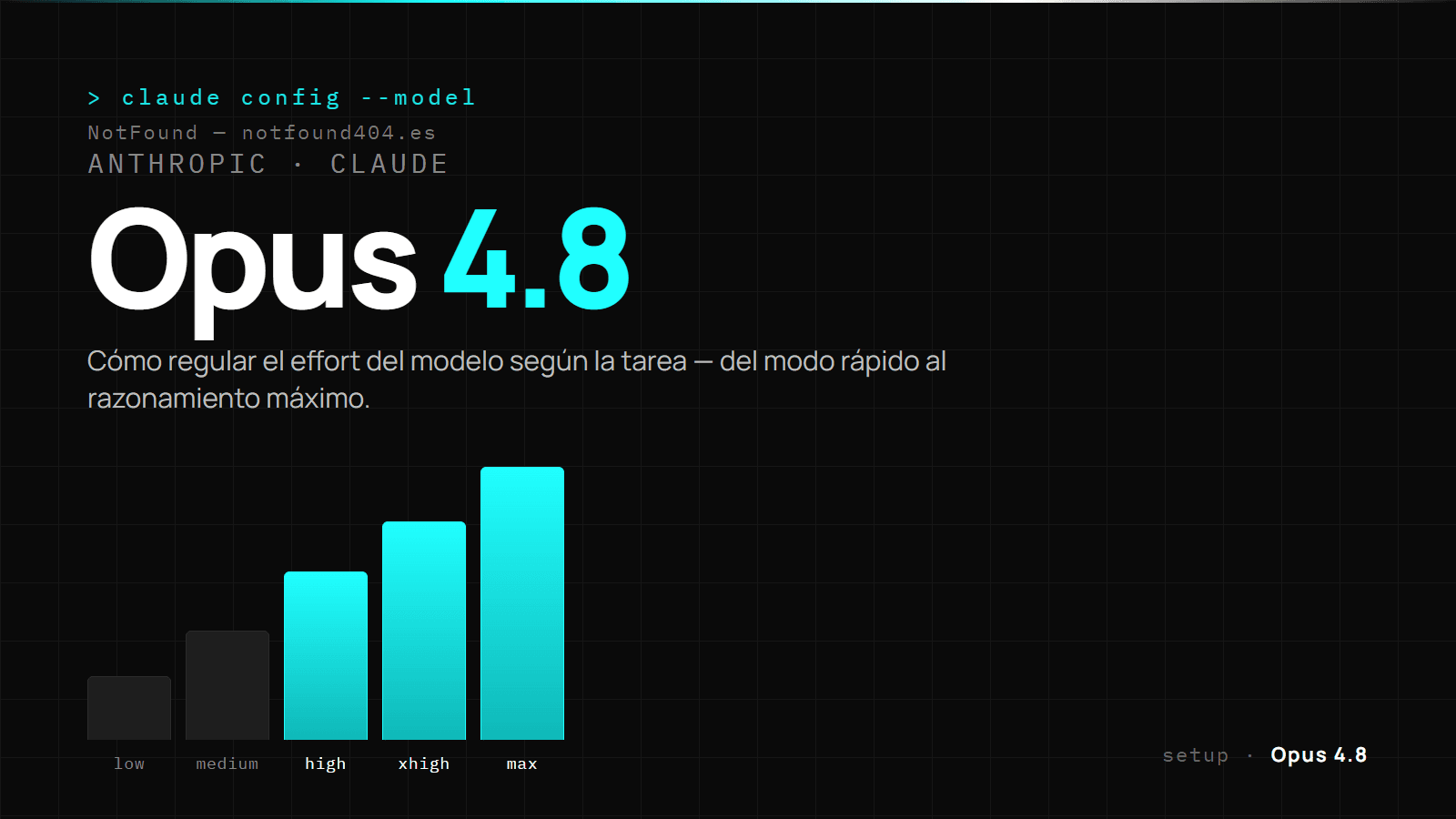
Claude Code performs very differently depending on how you set it up. These are the three things that make the biggest difference for me day to day: how I tune Opus 4.8's "effort", the skills I keep within reach, and a handful of commands I use without thinking. No theory — just what I actually touch.
How do I configure Opus 4.8's effort?
Opus 4.8 lets you regulate how much it "thinks" before answering. Instead of leaving it fixed, I dial it up or down depending on what's in front of me:
- Low / medium — mechanical tasks: renames, one-off edits, answering something I already know where to find. Fast and cheap.
- High — the day-to-day: writing a component, debugging something with several moving parts, planning a change that spans several files.
- xhigh / max — when the problem is about design or there are conflicting solutions: architecture, a bug that won't reproduce easily, a decision that will shape a lot of what comes next. Here I'd rather it overthinks than have to redo it.
Two more settings I use daily:
/fast— Opus fast mode: the same capability with snappier output. I switch it on to iterate visually without waiting.- Dynamic workflows (
/loop) — for tasks that repeat on an interval or where the model self-paces (for example, watching a long process and resuming when its state changes), instead of babysitting it myself.
The rule is simple: I scale effort up when being wrong is costly, and down when the task is mechanical and verifiable at a glance.
5 generic skills worth having
Skills are capabilities Claude loads when they're needed. Anthropic keeps a public repository, anthropics/skills, with several that are useful for anyone's tasks, not just coding. These five are the most useful for most people:
- pdf — generate formatted PDFs, fill out forms and extract data from documents.
- xlsx — create and analyse Excel spreadsheets with formulas and charts.
- docx — write and edit Word documents while respecting a format.
- pptx — build and tweak PowerPoint presentations.
- canvas-design — design graphics and visual pieces.
The first four turn Claude into a Swiss army knife for paperwork: reports, quotes, presentations. And they're all public, so you can read and adapt them.
3 commands I use to work
/init— analyses your project and generates a first context file tailored to it. The first thing I run on anything new./compact— summarises the conversation when context fills up, without losing the thread./review— focused code review; far more reliable than asking "review this" off the cuff.
That's enough to work cleanly: the model tuned to the task, the skills within reach, and the right commands. The rest is practice.
Need a custom website or automation? Calculate your rough budget or email me directly.